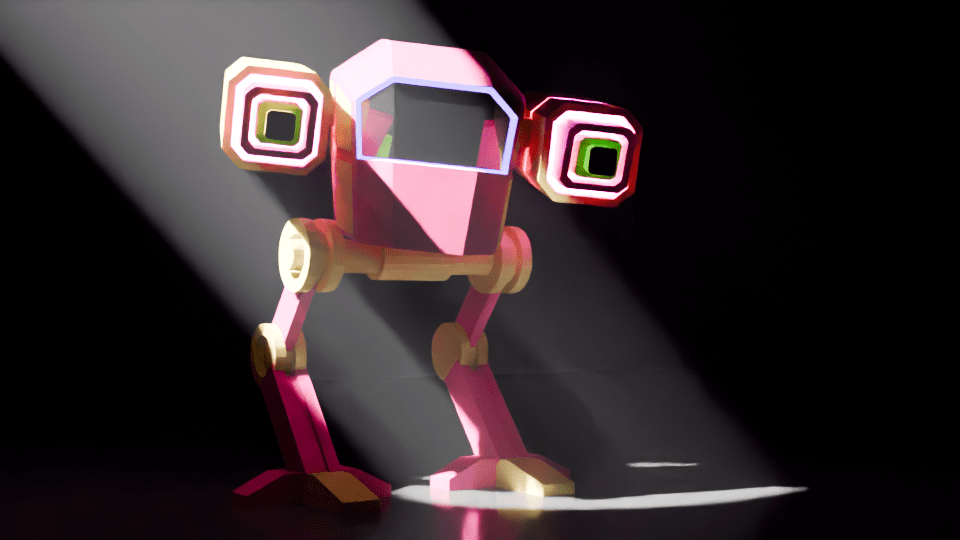
I’ve finally figured out rigging, which means I can animate the mech I made a few months ago. Yay me!
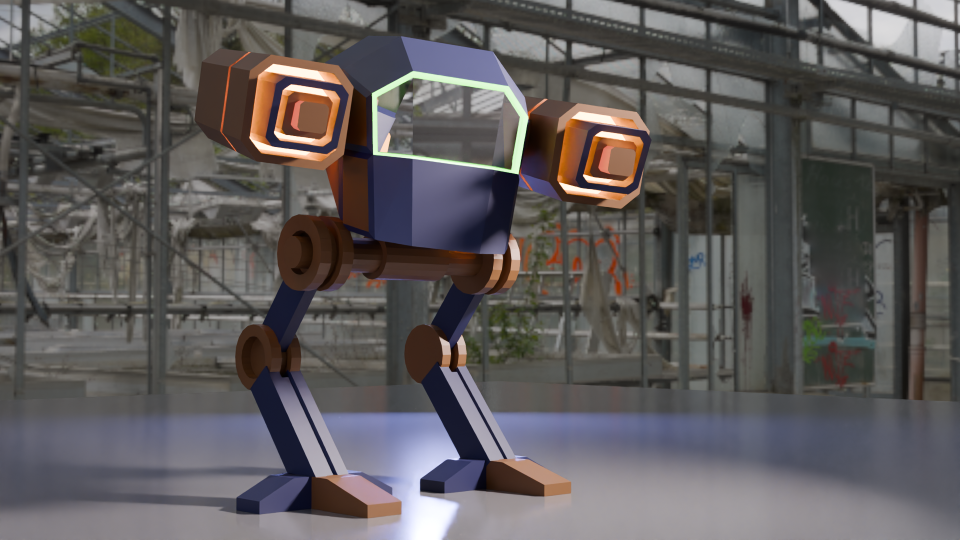
The mech I used had a bit of a different colour scheme, I have dubbed it ‘the fabulous mech’ due to the glittery guns and pink glow around the screen.
Rigging involves adding bones to the design, linking those bones to the model, and moving the bones instead of moving the mesh of the body. This is just like how Aardman animate their models for stop motion.

Moving the bones around using keyframes to control the timing of the mech and stuff. First trial was to have the Mech look around, notice the camera and step towards the camera.
Getting a walk cycle for the thing was a bit fiddly. Moving the legs in a bird-like manner is easy enough, but getting the feet right and stopping them slipping needed a bit of fiddling about. Took me a while, but the result is pretty good. I wrote an Excel spreadsheet to help me with the timings of bone movement and getting the whole thing to move without ‘foot slip’, where the stationary foot moved backwards during the walk cycle.
I’ll do some more on this later. The walk is mechanical (well, it would be). The lighting need to be improved so you can see the thing. I will add a swing to the hips and also movement of the head so it looks like the operators are searching for something.
Stay tuned!
 Grim up North Heath
Leave a comment