UV shading and animation!
UV shading sounded scary when I first watched videos on the subject, but having Grant to hold your hand helps. As he explained it, a UV map is like making a label to fit on your 3d model as you would for a bottle. Only 3d models are usually more complex (they have challenging topology, as he put it).
Fitting a flat image of a Spitfire to a model was an interesting exercise. I think the end result was ok.

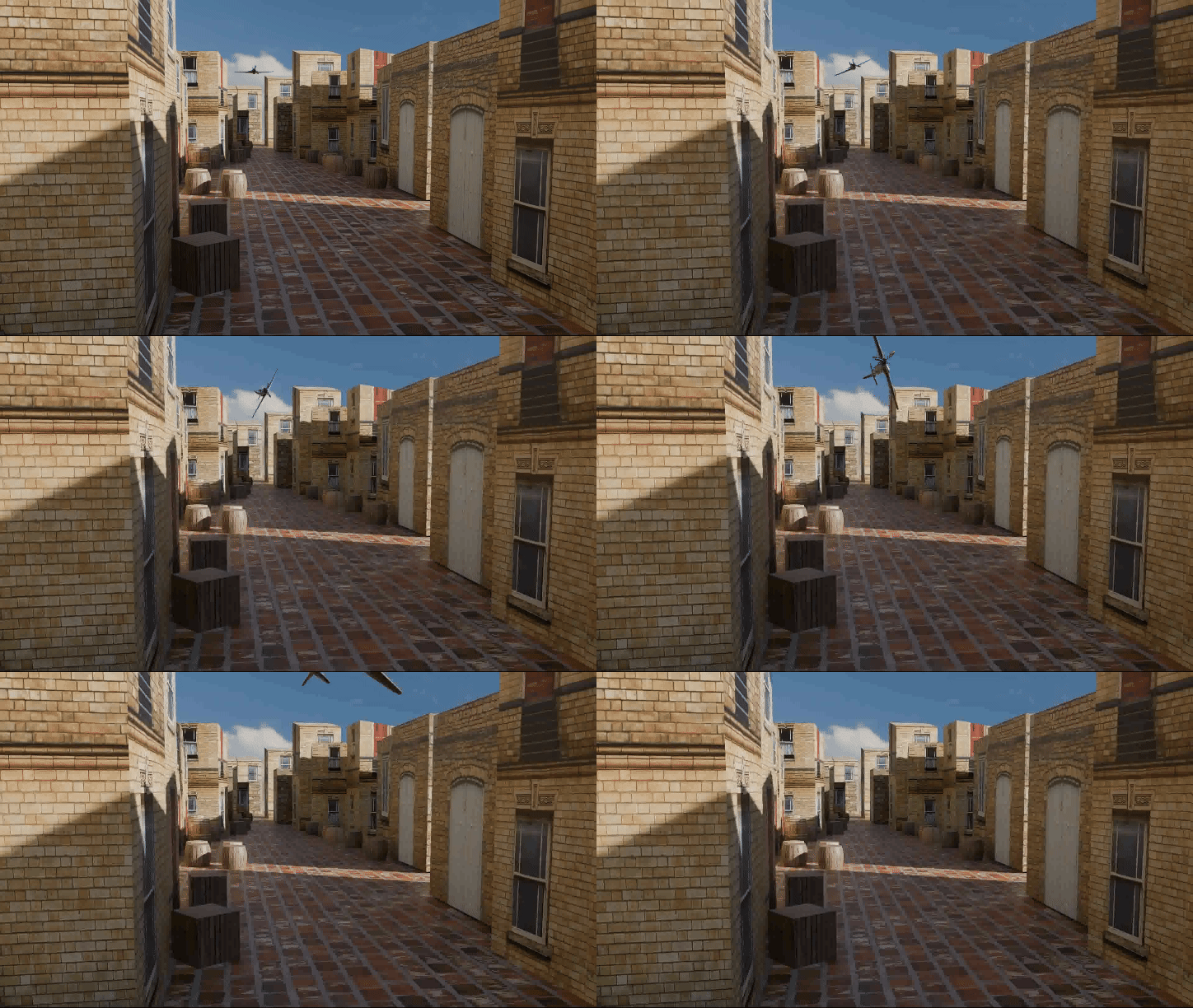
Then we did some scenery building and basic animation. Having learned how to add images to 3d objects, putting images of buildings onto cuboids and simple shapes was relatively easy. So a basic street could be made.
Then the Spitfire was added to the scene and we were shown how to make an animation of a flyover. This stretched the capacity of my laptop, it took a while to render but I got a flying plane.
I added a turn to the plane as it flew over to get the final animation.
Next, we did some more on animation basics. In Blender, just about any aspect of an object can be animated, so cameras will move, items change colour and all sorts of fun.
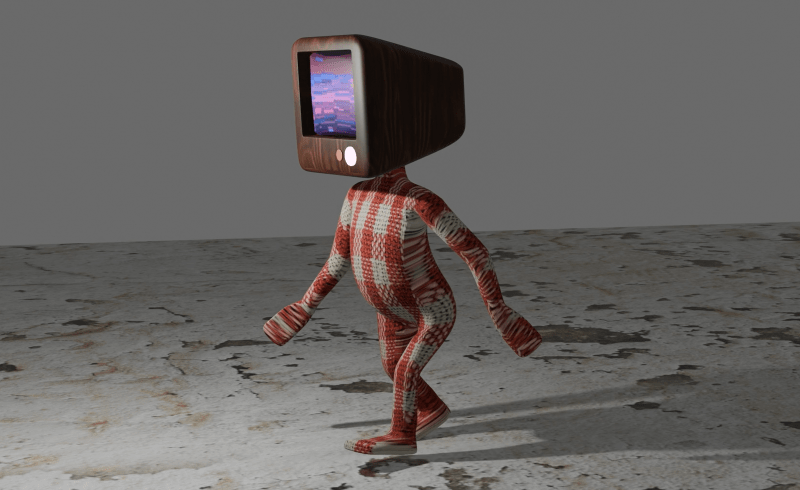
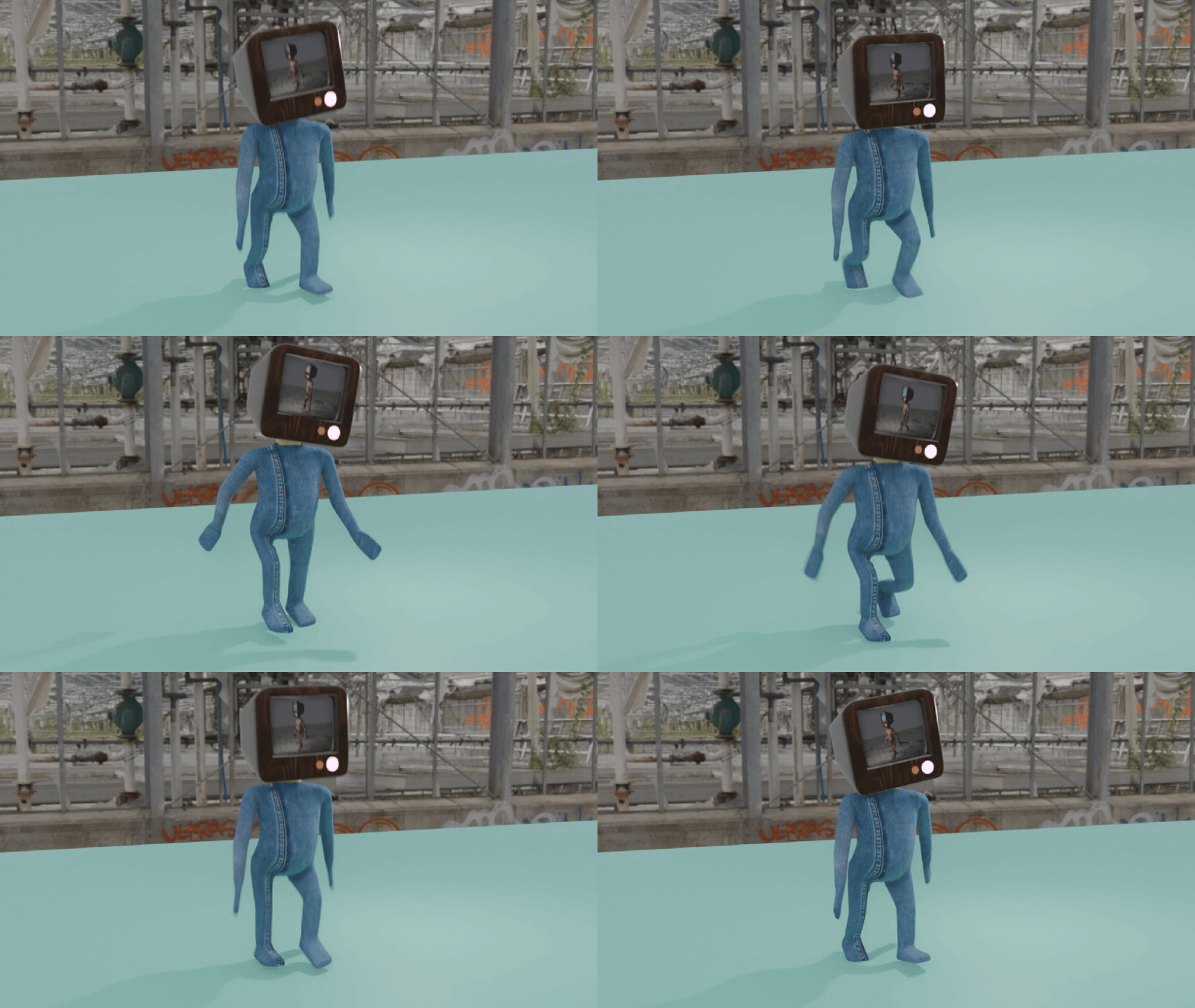
At the end of this, we built a simple humanoid with a telly for head (as you do) and learned how to animate the figure for a walking motion. As a bonus, we added video to the screen on the face.
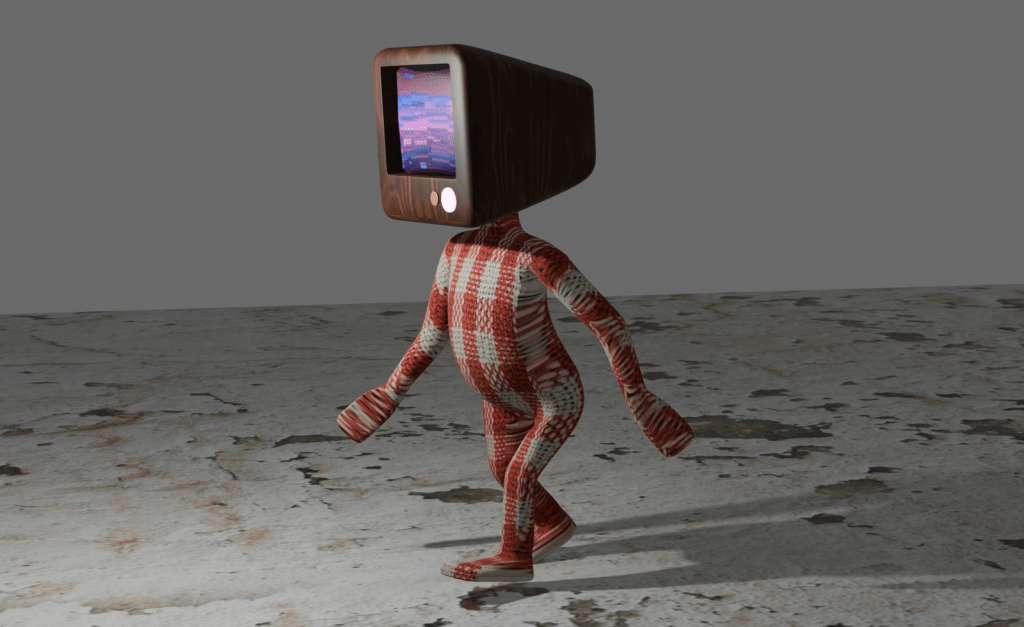
I went a bit further and animated two figures, one in gingham, the other in denim, and put the gingham figure on the screen of the denim man.
It’s sculpting next. Sounds like fun.
 Grim up North Heath