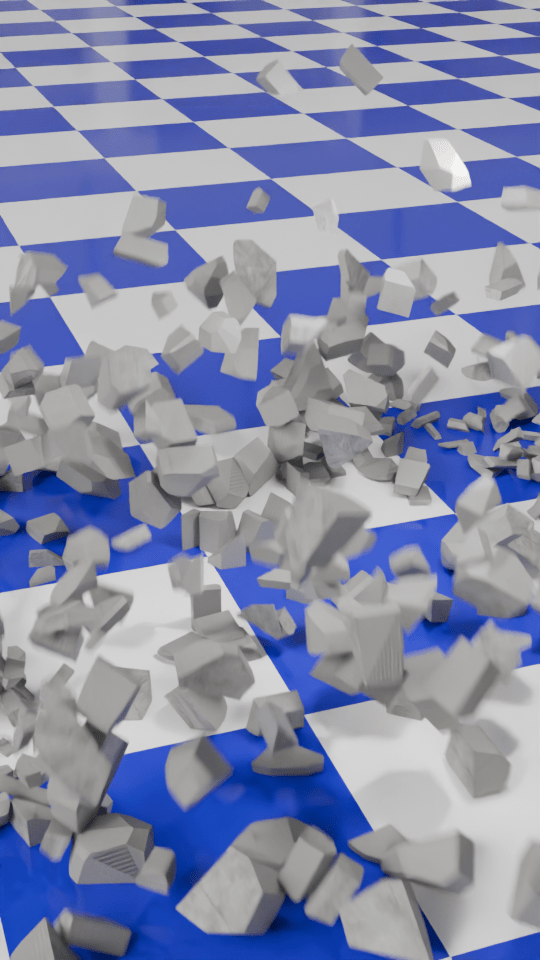
I used the ‘cell fracture’ add-on to break up the anvil in a previous video. The video below pulls back a bit from the set-up I used for the second part of the inflation (the popping of the anvil) so you can see that the pink anvil starts breaking up immediately and falls to the floor before changing back to the metallic texture.
The grassy scene behind the polka dot ‘studio’ is a HDRI (High Dynamic Range Image) and it’s used to give ambient light to a scene.
I thought it would be a good idea to make a demo video to show how the number of cells you break something into affects how the demolition looks.
To make this, I first set up a concrete wall and a nice, shiny checked floor. I also made a rusty metal ball to act as the object that smashes the wall and set up the camera to get a good view of the full event. This would be the basis for the six animations that make up the final video.
For each of the animations I changed the number of pieces that the wall would be broken into. This is the essence of the video, and was simply a matter redoing the wall break-up (takes a few seconds) and then rendering the animation (about 10 minutes for each part).
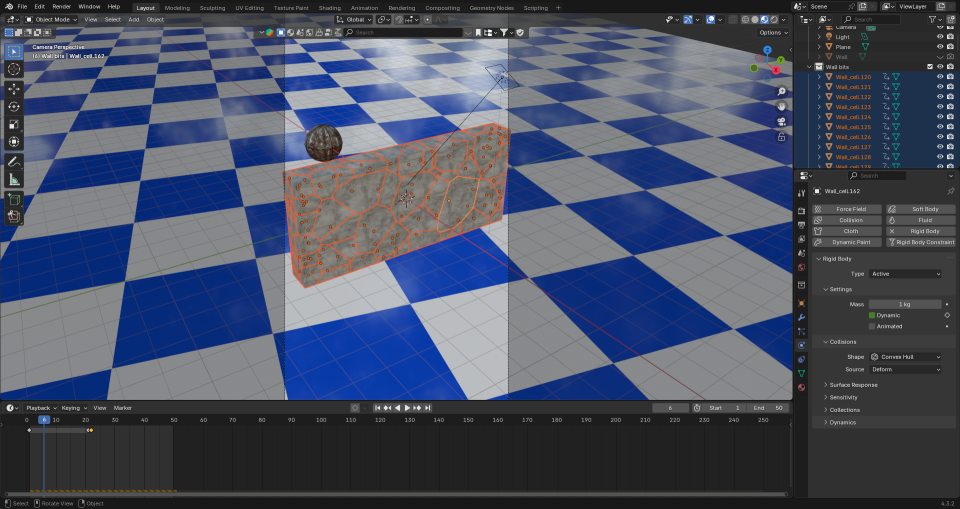
I then used the Blender video editor to make one video from the six separate animation. Once that was done, I had to find out how to add text to a video. It turned out that is was easy enough using the Blender video editor, you need to set the font and position of the text and use visual editing to set when the text appears. All of this was fairly intuitive now that I’ve used the editor for a while.
The most complex part was the audio. What I wanted was a series of crashes that conveyed how the size of the particles decreased but the number increased. After a bit of searching I found a two-minute audio of a wall being demolished by a wrecking ball. Some parts were louder and sounded more like a wall being smashed to pieces, others were more like a few pieces being knocked from a wall. I just needed to cut bits out and, for some of the parts, layer up the audio so that there was more noise of crashing concrete because there were more pieces being generated.
I also put the full audio in the background, to make it sound like an ongoing process at a building site.
The very last thing I had to do was make sure the video would show as a ‘short’ on YouTube. I uploaded the video that was generated by the Blender Video Editor, but that was categorised as a normal video. So I used Canva to force the video into a ‘Short’ format using a template and that edited video is now on YouTube as a ‘short’.
 Grim up North Heath