Tag: 3d-printing

  • 3D printing an SEM image

    One of the things that has been rattling round my head for many years is the idea of 3D printing from an SEM image. I know, it’s a common issue and one you’ve all heard many, many times.

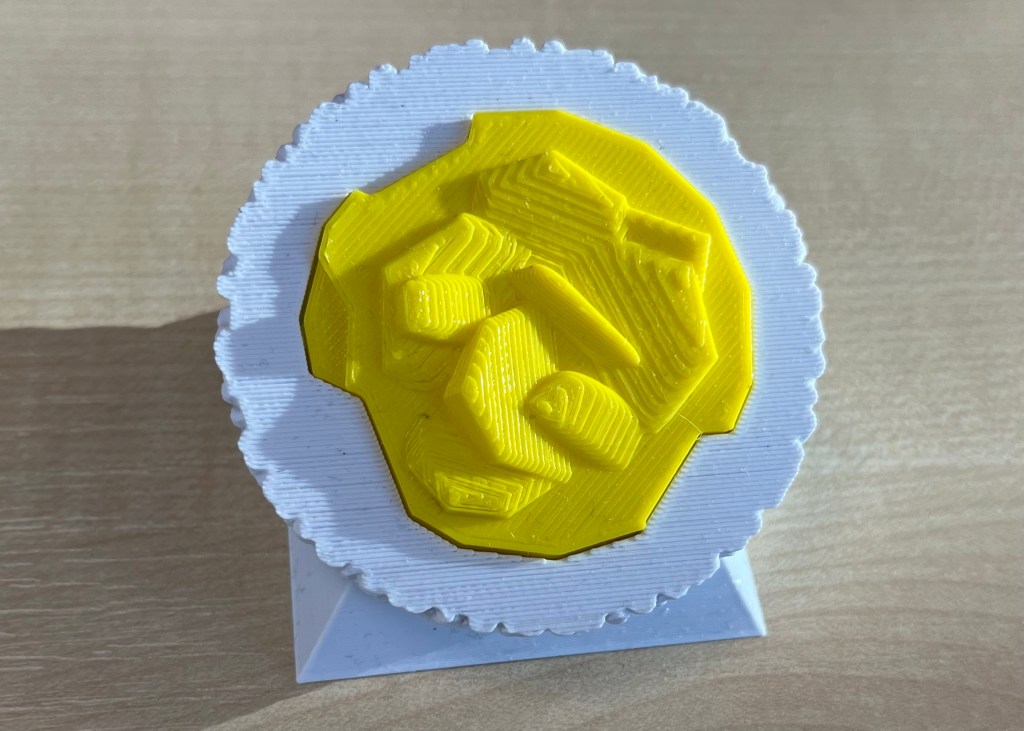
    In a previous post, I mentioned how I’d done some of this already using Blender and a bit of artistic licence. What I made needed to be printed in two part (one white, the other yellow) because I didn’t have access to a multicolour printer.
    3D printed oil in water droplet
    Original version of a 3D printed oil in water droplet. Some artistic licence required and I had to design and print in two parts. You can see the join.

    Scrolling through Blender instruction videos (as you do) I saw a post by Architecture Topics on how to convert an image into a 3D Element.

    This pinged a synapse in my brain and I wondered if the SEM of the broken oil droplet I took some years ago could be used in the same way.
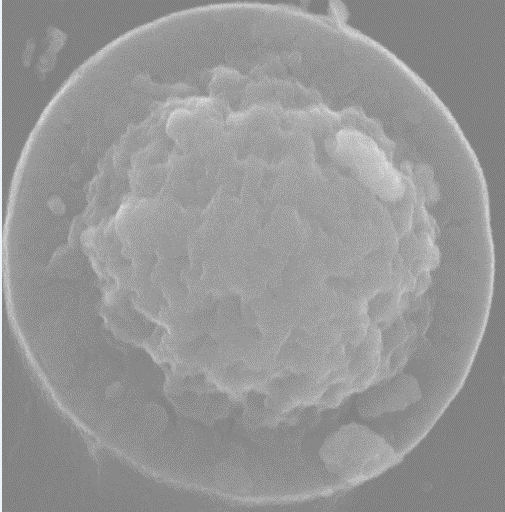
    Scanning electron micrograph of a split oil droplet. I took this image about ten years ago and have been thinking about making a 3D version ever since. I can work faster. Honest.

    How hard would it be to convert the original image to a 3D Element?
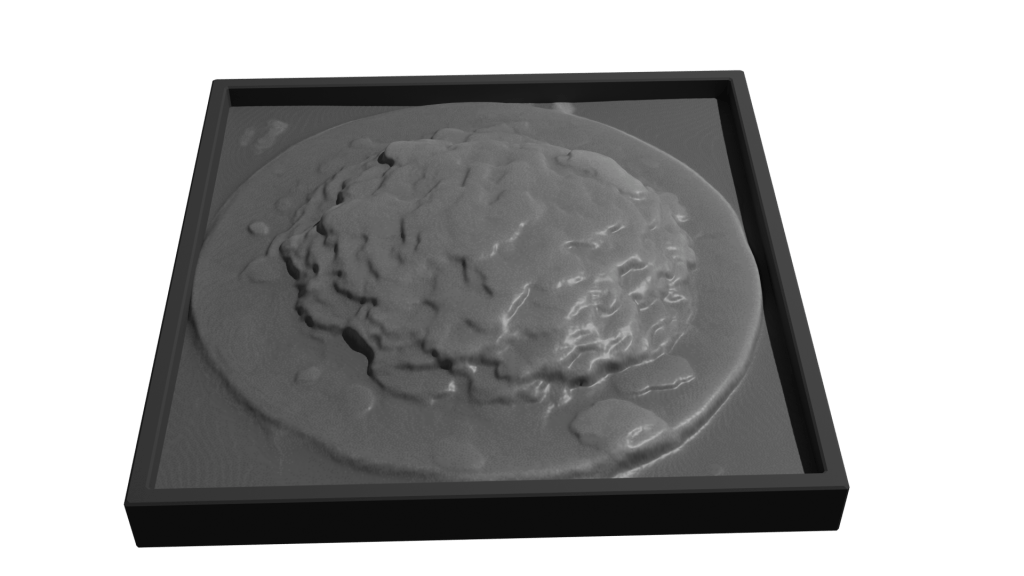
    Rendering of convertion a SEM image to a 3D element

    Rendered version of the converted image. I’ve stuck to black and white since electrons don’t do colour. I could reasonably render this with a gold effect since the sample prep involved coating with gold to get better imaging.

    It took a while, but I got there. For the final render, I put the converted image into a box to hide the ragged edges of the conversion. Also I had the opportunity to go into my old work and have a go on the 3D printer there.

    After a bit of faffing (because I’d not applied a solidify modifier to the final image) I got a .stl file that the slicer said would print.

    My first attempt wasn’t great. I’d only applied enough solidify modifier to give the final print a thin shell. To quickly fix this, rather than going back into Blender and increasing the solidify level, I set the slicer to do 100% infill.

    That didn’t work. I’d need to go back to Blender and learn how best to use the 3D toolbox that I learned about while I was doing this.
  • Blender lessons

    Blender lessons

    Taking 3D design seriously

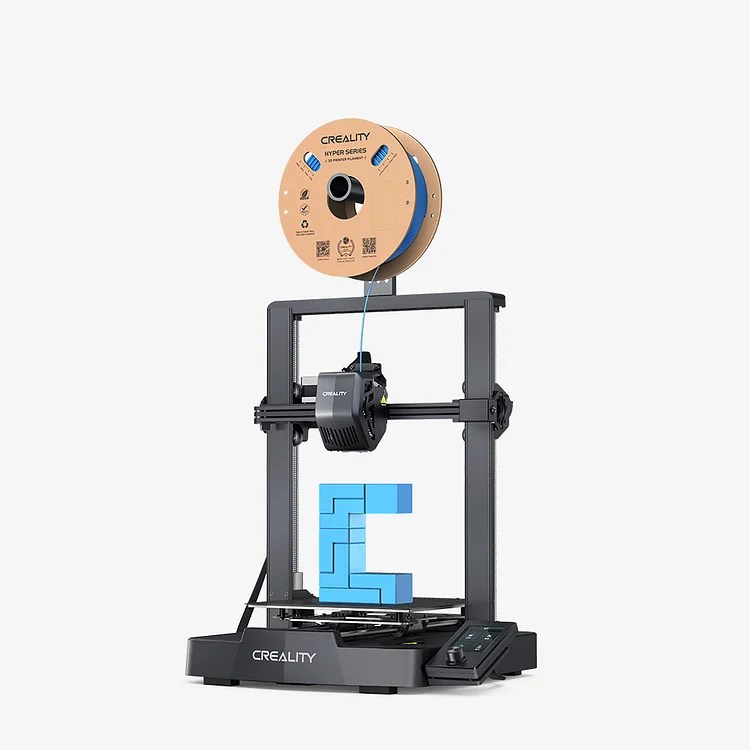
    I’ve been working with 3D design for about two years. As a pharmaceutical scientist, I’ve been keeping track of possibilities in 3D printing tablets and other dosage forms. There’s been some interesting recent work on this and in custom design of arm casts. At my last job, we bought an Ender 3 Pro in early ’23 and set about finding uses for it.

    Ender 3D printer. This isn’t the exact one we bought.

    I used TinkerCad for most of the design work.

    https://www.tinkercad.com/

    We used it to design all sorts of things – new funnels, inserts for spectrophotometers, toroidal propellers and flexible substrates for rheology testing. But I kept seeing Blender being mentioned when I looked on YouTube for help with 3D design. But I thought Blender was scary. Just look at it!

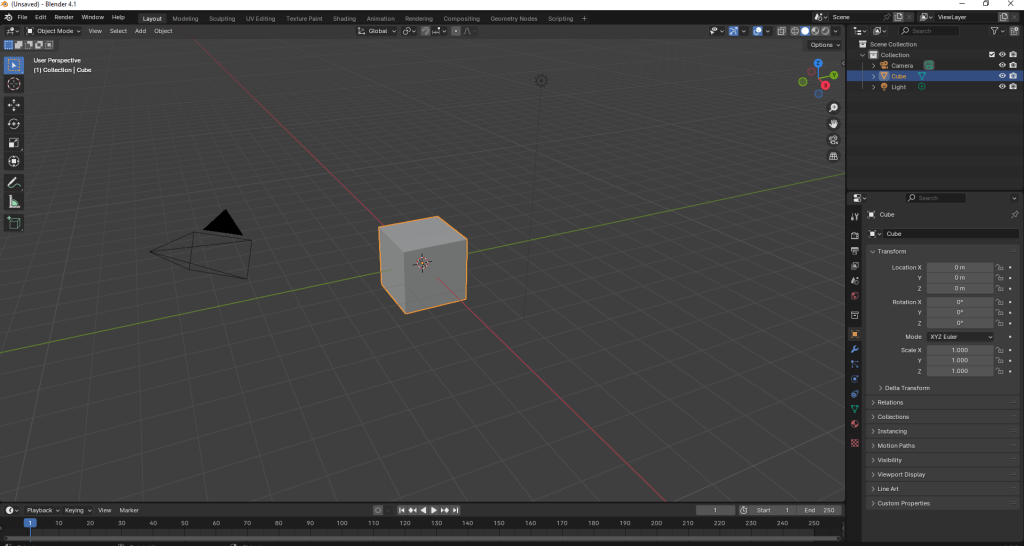
    Blender window as it opens.

    There’s loads of stuff on there! And that’s just one window! Sculpting? UV Editing? Eh?

    But it is supposed to be a good program to learn 3d design, animation and simulations. I’d also had an idea to make a 3d print of a SEM image I took some years ago of a fractured oil droplet.

    SEM image of a fractured oil droplet. I spent over 20 years studying these things.

    This sort of thing was beyond the scope of TinkerCAD, but it turned out it was (relatively) simple in Blender. Well, I followed a tutorial on how to add things at random over a surface. I needed this because other images we took showed that there’s bumps all over the surface of the droplets. So with a knobbly hemisphere generated in Blender, I used TinkerCAD to add the rock-like frozen fractured oil interior. Then it was a matter of slicing and printing.

    Easy.

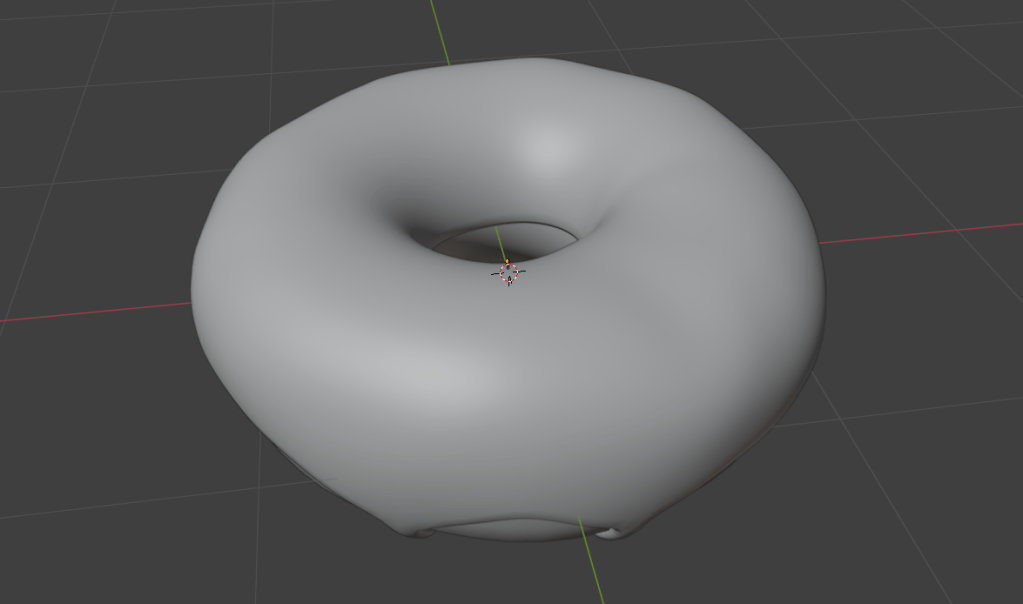
    I’d made a doughnut in September following a YouTube course (see below), which as OK I suppose.

    A doughnut made in Blender. Looks delicious!

    After faffing around a bit, I decided to give Grant Abbitt’s Low Poly Well a try. I chose this because Grant is an excellent tutor. He’s clear, doesn’t skip over bits (no ‘draw the rest of the owl’ nonsense) and has been using Blender for 20 years. He’s also English, so he says ‘zed’, rather than ‘zee’.

    So I’m going to see how the low poly well goes. This will be under ‘Blender’ in this blog.